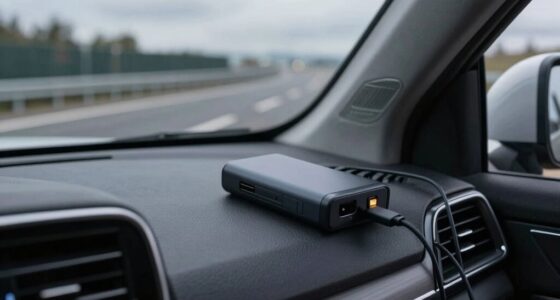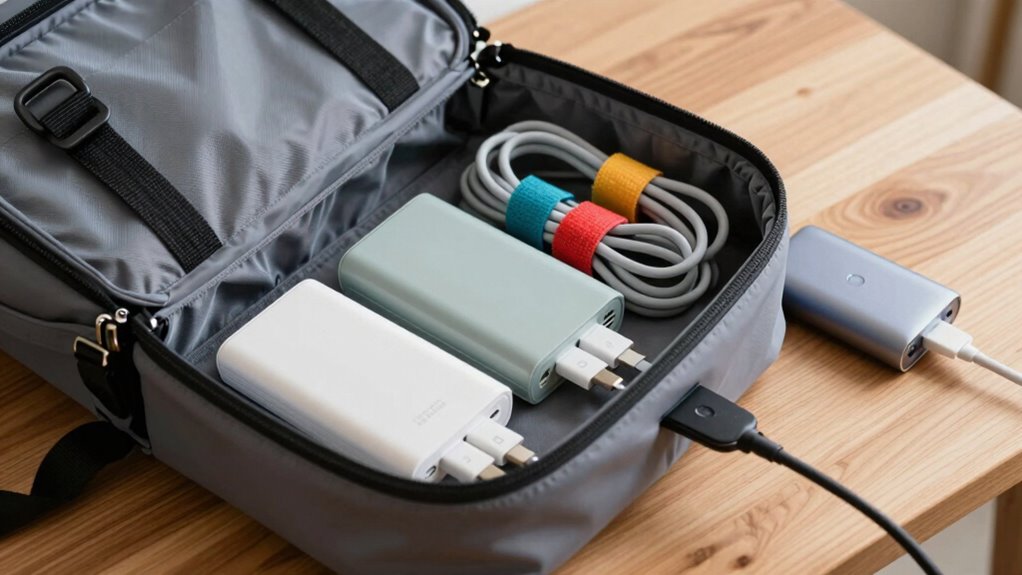

To keep your charging gear from taking over your bag, use smart organization strategies like tech pouches with compartments, elastic loops, and labels for easy access. Opt for wireless charging pads to reduce cables and choose compact power banks with multiple ports. Regularly clean out and reassess what’s essential, and store everything neatly to prevent tangling and clutter. Maintaining a tidy setup guarantees your gear stays accessible and efficient—if you want more tips, keep exploring how to optimize your bag setup.

Get travel and outdoor gear delivered free with Prime
- Fast, free delivery on millions of items
- Prime Video, Amazon Music and more included
- Member-only deals all year
Key Takeaways
- Use tech organizers with designated compartments to keep cables and chargers neat and easily accessible.
- Opt for wireless charging pads to reduce cable clutter and simplify charging on the go.
- Wrap cables with Velcro straps or over-under techniques to prevent tangling.
- Regularly declutter your bag, removing unused chargers and accessories.
- Choose multi-port power banks with integrated cables for fewer devices and less bulk.
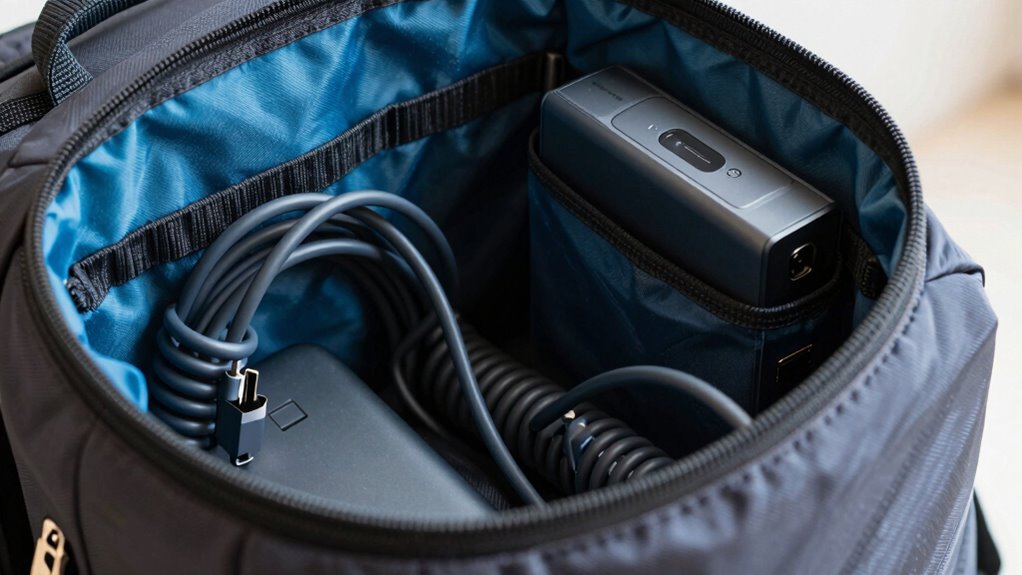
If your charging gear has turned your bag into a cluttered mess, you’re not alone. Many people struggle with keeping their chargers, cables, and power banks organized, especially when they’re always on the go. The good news is, you can streamline your setup with a few smart strategies. One of the most effective ways is to embrace wireless charging whenever possible. Wireless chargers eliminate the need for tangled cables; just place your compatible device on the pad, and you’re good to go. Not only does this reduce clutter, but it also speeds up your charging process, making it more convenient. Look for compact, portable wireless charging pads that you can carry easily in your bag. These pads often come with non-slip surfaces and can charge multiple devices at once, so you’re not juggling different cables for your phone, smartwatch, and earbuds. Proper cable management is another key to avoiding chaos in your bag. Use cable organizers or small pouches designed specifically for tech gear. These help keep your cables neat, preventing them from tangling with other items. Wrap your cables properly—using the over-under method or Velcro straps—and store them in designated compartments. This way, you can quickly find what you need without rummaging through a tangled mess. Label your cables if you have multiple similar ones, so you know exactly which is which, and avoid unnecessary unplugging and replugging. When choosing a power bank, opt for one with a built-in cable or multiple ports, so you don’t have to carry extra cords. Some power banks even support wireless charging, further reducing the number of cables you need to pack. Consider investing in a tech organizer designed for chargers and cables. These often feature elastic loops, small compartments, and dedicated slots, ensuring everything stays in place. Place your wireless charging pad inside this organizer for a compact setup that minimizes space and clutter. Regularly reevaluate your tech accessories to ensure you only carry what is necessary, preventing your bag from becoming overloaded with unused gadgets. Additionally, choosing compact chargers can save space and make your setup more efficient. When packing your bag, prioritize essentials—only carry the chargers and cables you frequently use. Leave behind duplicates or rarely used gear to save space. Regularly clean out your bag and reevaluate what tech accessories you really need, so your setup doesn’t become overwhelming over time. Incorporating smart organization tools can further streamline your tech gear management and save you time when packing.
A well-organized setup can also help improve charging efficiency by reducing the time spent searching for the right cables or chargers.
wireless charging pad for travel
As an affiliate, we earn on qualifying purchases.
As an affiliate, we earn on qualifying purchases.
Frequently Asked Questions
What Are the Best Compact Charging Accessories for Travel?
For travel-friendly power, choose compact charging accessories like a portable power bank with multiple ports, ensuring you have enough battery safety for all devices. Opt for slim, lightweight chargers that easily fit in your bag without taking over space. A universal travel adapter with built-in USB ports can also be handy. These essentials keep your devices charged efficiently while maintaining a clutter-free, organized bag, perfect for on-the-go convenience.
How Can I Organize Cables for Quick Access?
To organize cables for quick access, use cable management tools like Velcro straps or reusable twist ties to keep cords tidy and prevent tangling. Store them in a dedicated accessory organizer or compartment within your bag, making sure each cable has its own slot or pouch. Labeling cables or using color-coded tags also helps quickly identify what you need, ensuring efficient accessory organization and hassle-free access during your travels.
Are There Wireless Charging Options Suitable for Bags?
Imagine you’re heading out, and your bag has a built-in pocket for a wireless charging pad. Bag compatible chargers with wireless charging pads make it easy to power up your device on the go without extra cables. These chargers are designed to fit seamlessly into your bag, ensuring quick access and organized charging. They’re perfect for busy days when you need your device ready without cluttering your bag with cables.
What Safety Tips Should I Follow With Portable Chargers?
To guarantee safety with portable chargers, always follow battery safety guidelines, such as avoiding overcharging and keeping chargers in a cool, dry place. Practice good charging etiquette by unplugging devices once fully charged and not using damaged cords. Never expose your charger to extreme temperatures or moisture, and keep it away from flammable materials. These habits help prevent accidents and prolong your charger’s lifespan, keeping you safe during your travels.
How Often Should I Replace My Charging Gear?
You should replace your charging gear when its battery lifespan or charging cycle count indicates significant wear, usually around 300-500 cycles. Keep an eye on performance drops like slower charging or reduced capacity. Regularly check manufacturer guidelines for your specific device. If your charger no longer holds a charge efficiently or shows signs of damage, it’s time to replace it to guarantee safety and peak performance.
As an affiliate, we earn on qualifying purchases.
Conclusion
Keeping your charging gear organized keeps your bag tidy and saves you time. Invest in compact, multi-purpose cables and use dedicated pouches to prevent clutter. Did you know that a disorganized bag can cause up to 20% more stress during your day? By staying organized, you not only streamline your tech but also reduce stress and boost efficiency. So, take control of your gear—your bag (and mind) will thank you!
As an affiliate, we earn on qualifying purchases.
As an affiliate, we earn on qualifying purchases.
Fall Picks
fall essentials
As an affiliate, we earn on qualifying purchases.