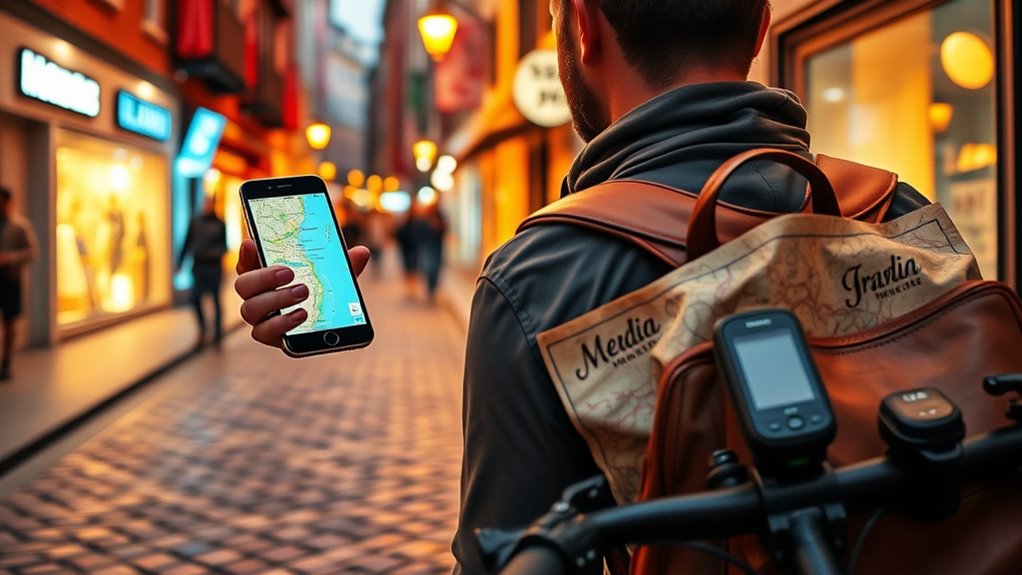

To maximize your travel, save offline maps in Google Maps or explore apps like Maps.me and HERE WeGo for reliable navigation without internet. Learn to master public transit by checking real-time updates and schedules, and plan your routes beforehand. Using multiple apps and offline maps guarantees you stay connected even in remote areas. If you want tips on automating route updates and sharing maps, keep exploring to travel smarter and more confidently.
Key Takeaways
- Pre-download offline maps in Google Maps or alternative apps like Maps.me to navigate without internet.
- Share downloaded maps with travel companions for synchronized offline navigation.
- Use real-time transit updates and schedule checks to optimize public transportation routes.
- Explore alternative apps like HERE WeGo for detailed POI searches and remote area navigation.
- Leverage AI and automation tools for route updates, real-time suggestions, and enhanced navigation accuracy.

Garmin Drive™ 53 GPS Navigator, High-Resolution Touchscreen, Simple On-Screen Menus and Easy-to-See Maps, Driver Alerts
Bright, high-resolution 5” glass capacitive touchscreen display lets you easily view your route
As an affiliate, we earn on qualifying purchases.
As an affiliate, we earn on qualifying purchases.
Saving Maps for Offline Use
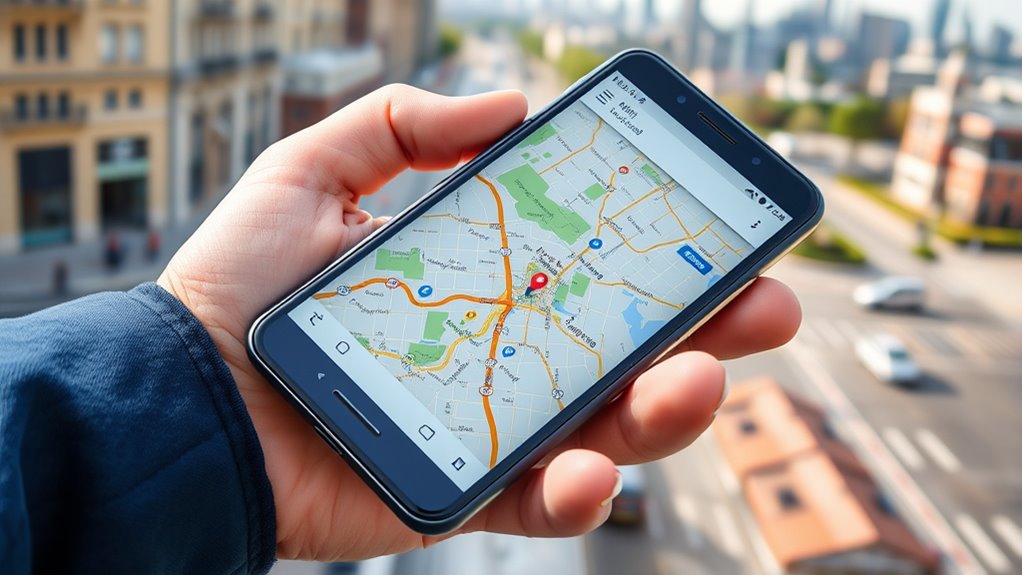
Have you ever been lost in an unfamiliar city with no internet connection? Saving maps for offline use can save you from that stress. With Google Maps, you can create a custom map creation by selecting your desired area and downloading it directly to your device. This way, you won’t rely on constant data or Wi-Fi. Additionally, explore map sharing options—share your offline maps with travel companions so everyone stays on the same page. This feature guarantees you have access to vital routes, landmarks, and neighborhoods even without internet. By preparing ahead, you avoid last-minute downloads and ensure seamless navigation. Saving maps offline gives you confidence to explore new places without worries about connectivity interruptions. Incorporating automation technologies into your planning can further enhance your travel experience by streamlining navigation updates and route optimization. Leveraging AI-powered tools can also provide real-time suggestions and alerts, making your navigation even smarter. Moreover, staying informed about up-to-date map data can help ensure accuracy during your travels. Additionally, understanding the importance of map accuracy can prevent potential detours or missed destinations, especially in remote areas.

OsmAnd — Offline Travel Maps & Navigation
Navigation
As an affiliate, we earn on qualifying purchases.
As an affiliate, we earn on qualifying purchases.
Mastering Public Transit Navigation

Understanding public transit systems can seem overwhelming at first, but mastering a few key strategies makes it much easier. Use apps like Google Maps to access real time updates, so you stay informed about delays or schedule changes. Before heading out, plan your route carefully by checking transit schedules and transfer points. This helps you avoid unnecessary waits and ensures smoother connections. When you arrive at a station, verify the next train or bus arrival times to stay on schedule. Keep an eye on real time updates during your trip to adapt if needed. Effective route planning reduces stress and saves time, especially in unfamiliar cities. Additionally, being aware of cybersecurity disruptions can help you prepare for potential service outages and avoid unexpected delays. With these tactics, you’ll navigate public transit confidently and make the most of your travel experience.

Öffi – Travel planner. Stations, timetables and navigation. King of public transit planning! All-in-one app for public transit.
Door-to-door trip planner
As an affiliate, we earn on qualifying purchases.
As an affiliate, we earn on qualifying purchases.
Using Alternative Apps and Features

While Google Maps is a popular choice, exploring alternative apps and features can give you a significant edge in maneuvering unfamiliar places. Apps like HERE WeGo or Maps.me often offer robust poi search options, helping you find nearby restaurants, landmarks, or gas stations quickly. These tools also allow route customization, letting you choose alternative paths based on your preferences, such as avoiding tolls or walking routes. Some apps provide offline maps, so you’re not dependent on data when directing through remote areas. Take advantage of features like detailed poi search to discover hidden gems, and tweak routes to match your pace or interests. Utilizing diversification strategies in navigation options broadens your choices and ensures you’re prepared for various scenarios, making travel smoother and more tailored to your needs.

ACR Bivy Stick Satellite Communicator – Two-Way Global SMS, GPS Tracker, Off-Grid Communication, SOS Emergency Beacon, Satellite Messenger & Location Sharing – iOS/Android App
Global Iridium Satellite Coverage: Stay connected anywhere on Earth with 100% global Iridium satellite coverage for two-way SMS,…
As an affiliate, we earn on qualifying purchases.
As an affiliate, we earn on qualifying purchases.
Frequently Asked Questions
Can Offline Maps Update Automatically Without Internet Access?
Offline maps don’t update automatically without internet access. To get the latest offline map updates, you need to connect to Wi-Fi or mobile data periodically. Once you do, Google Maps performs an automatic map refresh, ensuring your offline maps are current. Remember to open the app and check for updates regularly before your trip, so you always have the latest route information, even when offline.
How Do I Share My Offline Maps With Others?
You can easily share your offline maps by opening Google Maps, selecting your saved map, and tapping the share icon. Coincidentally, this allows you to grant offline map permissions to others, so they can access the same navigational info. Just make certain your recipients have the app and proper permissions. This seamless map sharing helps friends explore together, making your travel experience more connected and enjoyable.
Are There Ways to Customize Public Transit Routes for Specific Needs?
Yes, you can customize public transit routes for your needs by using route planning flexibility features in apps like Google Maps. You can set preferences for avoiding certain transit lines, prioritize walking or biking, or choose specific routes. This allows you to tailor your journey, making public transit more convenient and suited to your schedule. Explore the app’s settings to adjust these options and enhance your transit experience.
Do Alternative Navigation Apps Track My Location More Accurately?
Imagine your device as a compass, guiding you through bustling streets and quiet alleys. Alternative navigation apps often track your location more accurately, but they raise privacy concerns. You’ll want to take into account app compatibility with your device to ensure smooth functioning. While some apps excel in pinpoint accuracy, they might compromise your privacy. Choose wisely, balancing precise navigation with your comfort level regarding data sharing.
Can I Use Offline Maps for Biking or Walking Directions?
Yes, you can use offline maps for biking or walking directions. Many apps support pedestrian navigation and cycling safety, giving you step-by-step guidance without internet. Just download the relevant map areas beforehand, and you’ll get accurate routes for both biking and walking. This helps you stay on safe paths and follow the best routes, ensuring a smoother, more secure experience during your outdoor activities.
Conclusion
With these navigation hacks in your toolkit, you’ll navigate unfamiliar places with the confidence of a seasoned explorer. Saving maps offline guarantees you’re never lost in the digital dark, while mastering public transit keeps you moving smoothly. Don’t forget to explore alternative apps for extra guidance. Think of these tips as your trusty compass—guiding you effortlessly through every adventure, no matter where you go. Happy travels, and may your journey always lead you home!