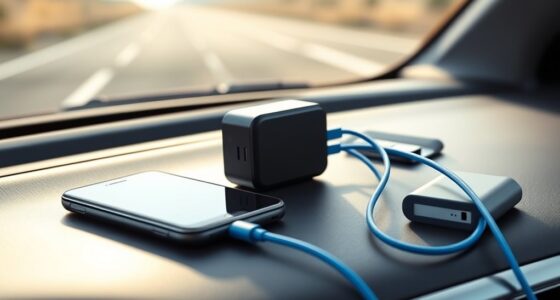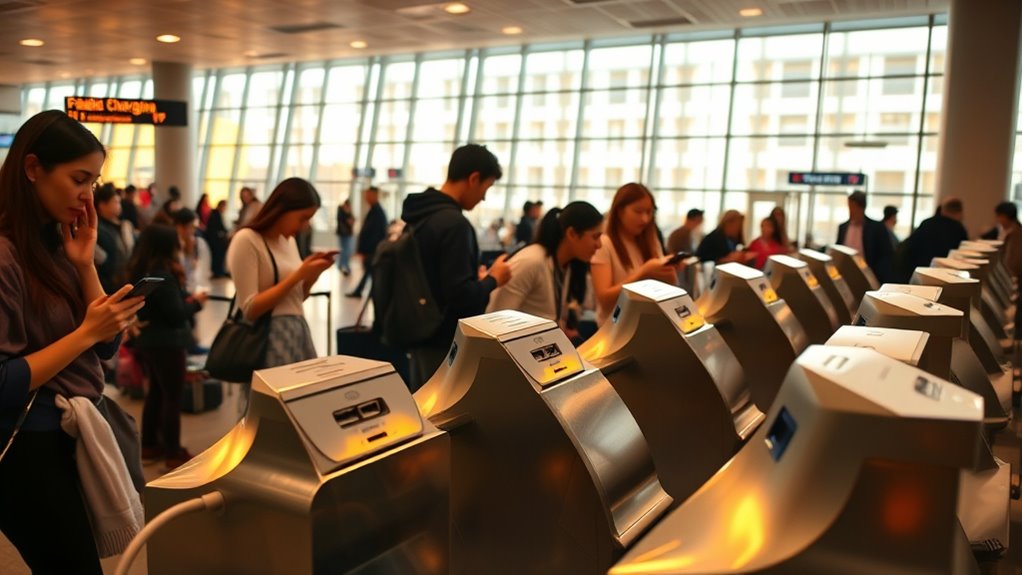

Using public USB charging stations while traveling can be risky because they may expose your personal data or infect your device with malware through a process called “juice jacking.” While some stations are secure, many are compromised or set up to steal information. To stay safe, avoid using these stations for sensitive tasks and carry your own portable charger or power bank. If you want to learn more about protecting your devices, keep exploring these safety tips.

Get travel and outdoor gear delivered free with Prime
- Fast, free delivery on millions of items
- Prime Video, Amazon Music and more included
- Member-only deals all year
Key Takeaways
- Public USB stations may pose risks like data theft and malware, especially if compromised or tampered with.
- Using trusted charging options such as portable power banks or AC outlets is safer than public USB stations.
- Not all stations are secure; verify if they meet safety standards before use.
- Avoid conducting sensitive transactions when connected to public USB chargers to protect personal data.
- Carry trusted cables and be cautious to prevent device damage or malware infection while traveling.

Public USB charging stations have become essential amenities in today’s digital world, offering a convenient way to power up devices on the go. Whether you’re at an airport, shopping mall, or public park, these stations allow you to stay connected without hunting for an outlet. However, as you rely more on these stations, it’s important to consider their safety, especially regarding data security and device compatibility. Many travelers wonder if plugging into these public chargers exposes their personal information or risks damaging their devices.
When you connect your device to a public USB charging station, data security should be at the forefront of your concerns. While many stations are simply designed to provide power, some can pose risks if they’re compromised or maliciously programmed. Hackers can set up fake charging stations or tamper with existing ones to steal data or infect your device with malware. This is known as “juice jacking,” where malicious software is installed via the USB connection to access personal files or even take control of your device. To protect yourself, avoid using public USB stations for sensitive activities like checking banking apps or accessing confidential emails. Instead, consider carrying a portable power bank or using an AC power outlet with your own charger, which bypasses potential data transfer risks.
Avoid public USB chargers for sensitive data; they can be hacked or infected with malware. Use power banks or outlets instead.
Device compatibility is another key aspect to think about when using public USB charging stations. Not all stations are created equal, and some may not support your device’s charging requirements. For example, if your device uses a specific charging protocol or requires higher wattage, a standard public station might not deliver *ideal* power or could charge slowly. Additionally, some older or incompatible cables might not work properly, leading to failed charges or even damage to your device’s port. To avoid compatibility issues, always carry your own trusted charging cable and, if possible, a portable charger that you know works well with your device. Checking the station’s port type beforehand can save you time and frustration.
Furthermore, understanding the Vetted nature of these stations can help you identify safer options, as many establishments now ensure their charging points meet security standards. Ultimately, while public USB charging stations offer unmatched convenience, they do carry some inherent risks. Being mindful of data security involves avoiding sensitive transactions and *contemplating* alternative charging options like portable batteries or AC outlets. Ensuring device compatibility means carrying the right cables and understanding your device’s power needs. By taking these precautions, you can make your charging experience safer and more efficient, allowing you to stay connected without compromising your device’s security or functionality.
As an affiliate, we earn on qualifying purchases.
Frequently Asked Questions
Can Hackers Access My Data Through Public USB Charging Stations?
Yes, hackers can access your data through public USB charging stations by exploiting cybersecurity risks and device vulnerabilities. When you connect your device, they might deploy malicious software or intercept data transfers. To stay safe, avoid using public USB stations, or use a USB data blocker that prevents data transfer while charging. Protecting your device from these vulnerabilities helps keep your personal information secure during travel.
Are There Any Safety Protocols for Using Public USB Charging Stations?
A stitch in time saves nine, so always follow safety protocols. When using public USB charging stations, make certain device encryption is enabled to protect your data. Check for charging station hygiene—avoid touching surfaces with dirty hands to prevent germs. Use a USB data blocker or portable charger instead of plugging directly into public stations. Staying cautious helps you stay safe and secure while traveling.
How Can I Protect My Device When Using Unknown Charging Stations?
To protect your device when using unknown charging stations, always enable device encryption to safeguard your data. Avoid using the station’s USB port for charging; instead, carry a power bank with secure connections. Consider using a USB data blocker or cable that only provides power. These steps prevent data theft and ensure your device stays secure, even in unfamiliar environments. Stay cautious and prioritize your device’s security.
Do All Public USB Ports Pose the Same Security Risks?
Public USB ports aren’t all the same; they vary like different flavors of ice cream. Standard ports may carry security risks, but some stations use secure charging protocols that protect your device. Always be cautious and look for stations with known safety features. Using a USB data blocker can add an extra layer of protection, ensuring your device isn’t vulnerable regardless of the port’s security level.
Are There Portable Devices to Prevent Data Theft During Charging?
Yes, portable devices with data encryption and device shielding can prevent data theft during charging. These compact tools, like USB data blockers or privacy shields, block data transfer while allowing power to pass through safely. By using such devices, you protect your personal information from malicious actors who might attempt data theft via compromised public USB ports, ensuring your device remains secure while charging on the go.
USB data blocker for public charging
As an affiliate, we earn on qualifying purchases.
As an affiliate, we earn on qualifying purchases.
Conclusion
Ultimately, using public USB charging stations demands diligence and discernment. Don’t dismiss dangers; don’t disregard devices. Instead, stay vigilant, verify your venue’s credibility, and consider carrying your own charger or power bank. Protect your personal data, prevent potential pitfalls, and prioritize your privacy. By practicing prudence, you can confidently connect, charge, and continue your travels without worry. Stay safe, stay smart, and savor your journey securely and successfully.
universal travel power adapter with USB ports
As an affiliate, we earn on qualifying purchases.
As an affiliate, we earn on qualifying purchases.
As an affiliate, we earn on qualifying purchases.
Fall Picks
fall essentials
As an affiliate, we earn on qualifying purchases.